Who it is for
For local business owners and multi-location teams who know they should post consistently but never have time to keep the calendar full.
Google Business Profile posts
SlashPost plans, writes, schedules, and publishes useful updates every week, so your profile does not go quiet when the business gets busy.
Who it is for
For local business owners and multi-location teams who know they should post consistently but never have time to keep the calendar full.
The problem it fixes
A burst of posts followed by months of silence does not build a useful profile. The hard part is not writing one update—it is maintaining a relevant rhythm without adding another weekly task.
What you get
Posts use your services, offers, locations, and writing context instead of generic local-business filler.
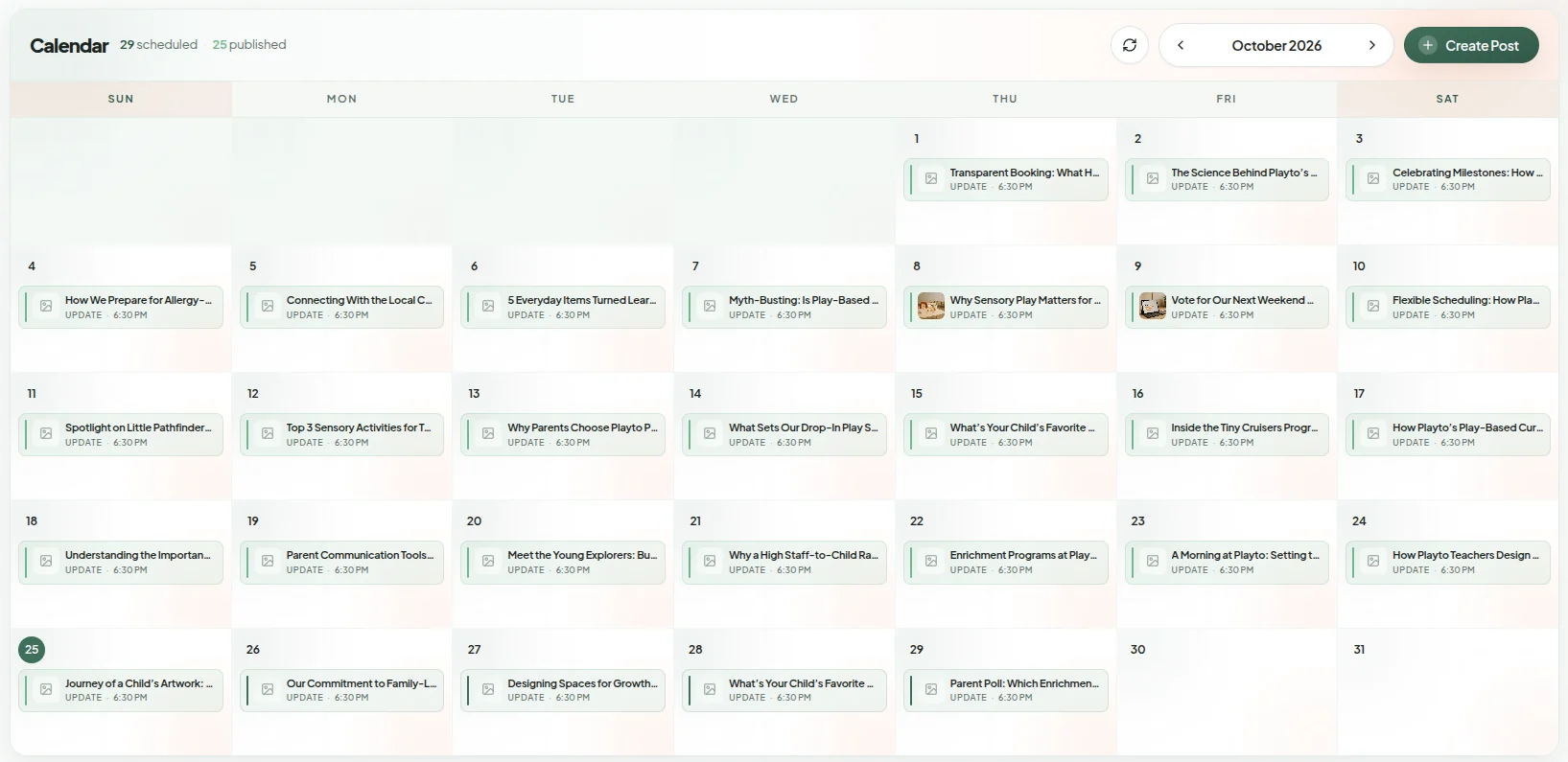
Upcoming posts are scheduled ahead of time and visible in one place, with support for multiple locations.
Review each post before publishing or enable automation once the voice and workflow feel right.

How it works
01
Use Google's secure sign-in flow to connect the Business Profiles you manage.
02
Tell SlashPost what you sell, who you serve, and how your business should sound.
03
Review the queue or let approved settings keep posts publishing on schedule.
Proof you can inspect
Questions
Yes. SlashPost builds an upcoming post queue and publishes through Google's official APIs on the schedule configured for your locations.
Yes. Keep approvals on for every post, edit the wording when needed, or enable more automation after you trust the output.
Yes. Posts, schedules, and reporting can be managed across multiple connected Google Business Profiles.
No. SlashPost has location-level context and can produce updates relevant to each business profile instead of copying one post everywhere.
No. You connect through Google's OAuth flow. SlashPost never receives or stores your Google password.